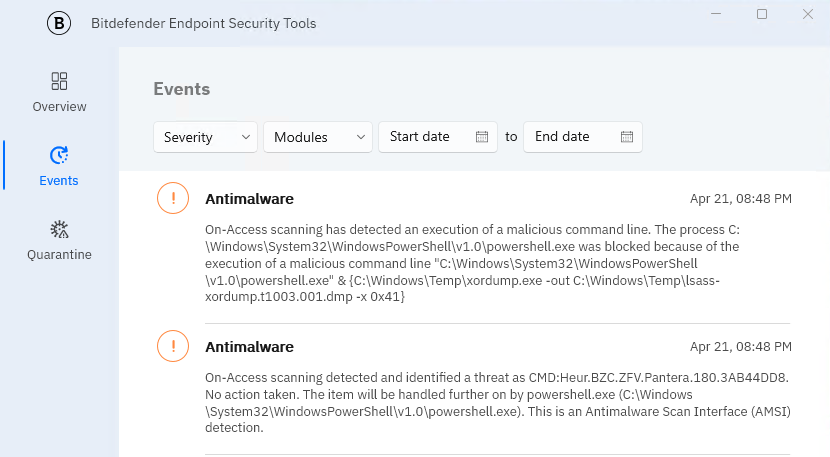
As I got Lots of request on How to PoC EDR
then this is my write up
we will use this Github to test
https://github.com/redcanaryco/invoke-atomicredteam/wiki/Installing-Invoke-AtomicRedTeam
First add exclusion on Gravityzone to C:\AtomicRedTeam

Open Powershell to create folder
mkdir C:\AtomicRedTeam
cd C:\AtomicRedTeam
Install moduleInstall-Module -Name invoke-atomicredteam,powershell-yaml -Scope CurrentUser
ANSWER Y
ANSWER A
Then download all test script
IEX (IWR 'https://raw.githubusercontent.com/redcanaryco/invoke-atomicredteam/master/install-atomicredteam.ps1' -UseBasicParsing);
Install-AtomicRedTeam -getAtomics
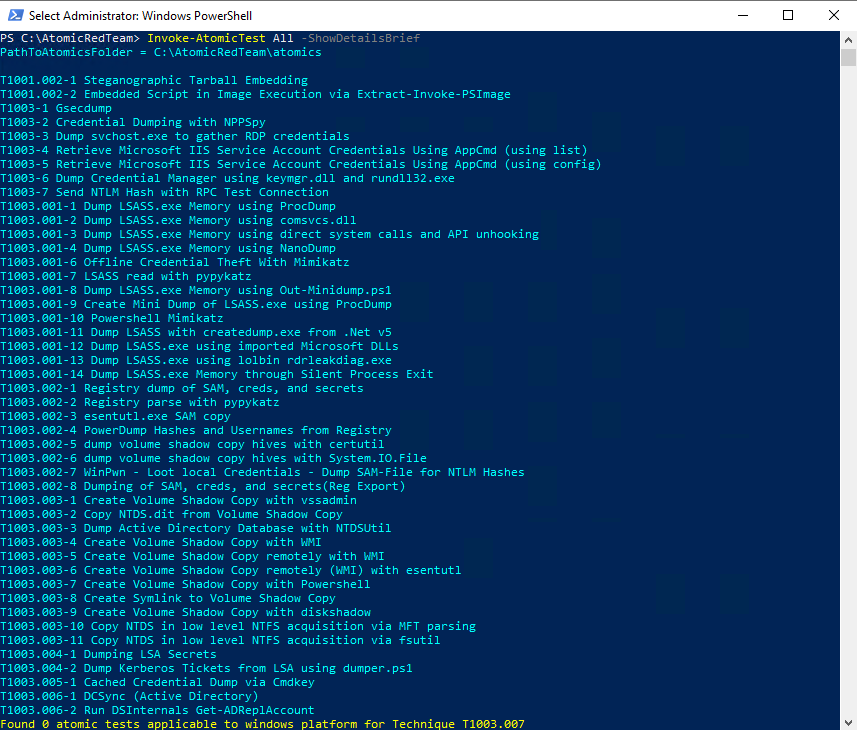
Checking script by
Invoke-AtomicTest All -ShowDetailsBrief
then
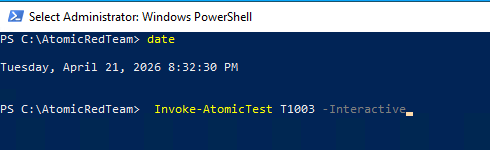
start test with to test all T1003 InteractivelyInvoke-AtomicTest T1003 -Interactive
but you can see Bitdefender Agent Already block it
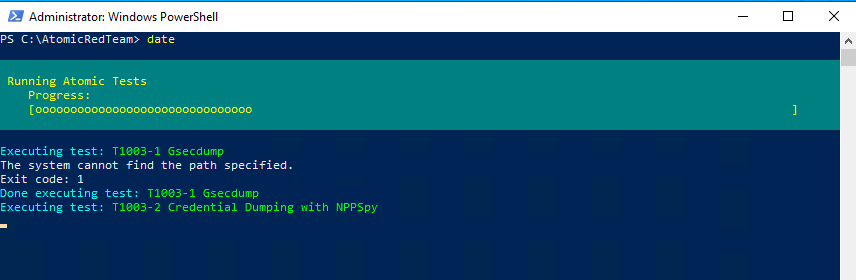


Invoke-AtomicTest T1003.001 -Interactive