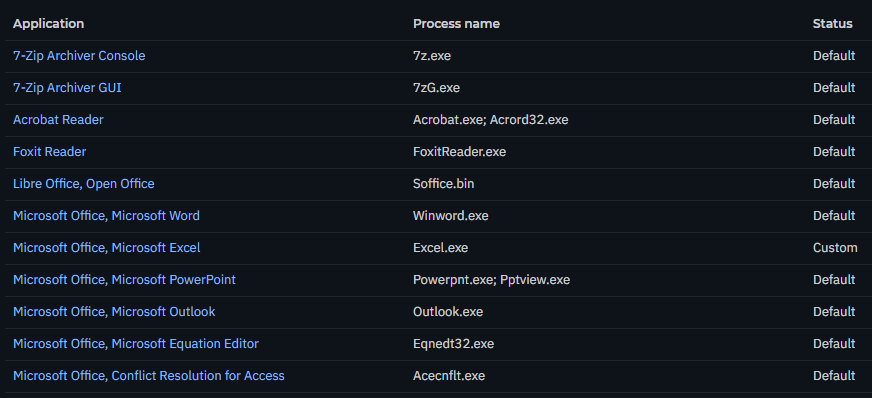
Macro can be block by
Fileless Attack Defense if it trigger powershell.exe

Fix by
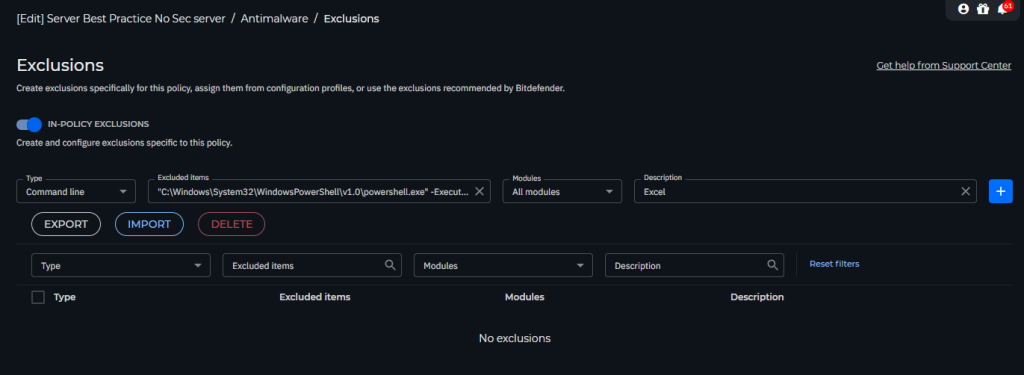
add command in Exclusions such as below command
"C:\Windows\System32\WindowsPowerShell\v1.0\powershell.exe" -ExecutionPolicy Bypass -WindowStyle Hidden -Command "Get-Process EXCEL .......... | Stop-Process -Force"
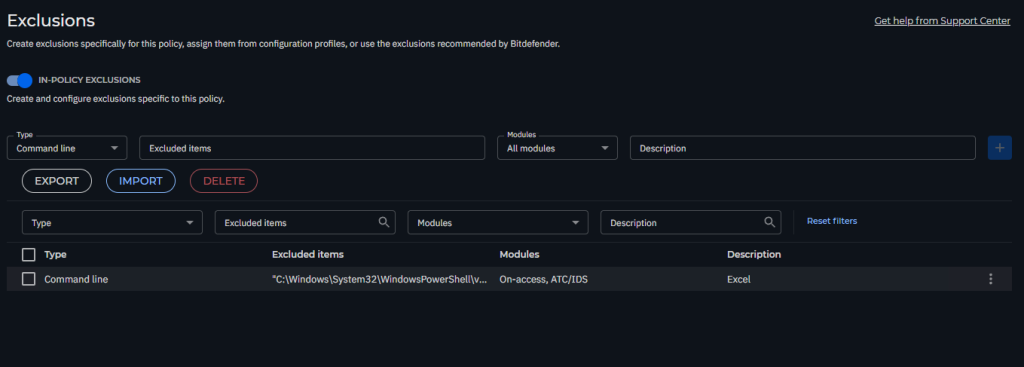
Then when it execute this command it will not blocked again.
Advance Anti Exploit

Fixed by
Go to Policy > Antimalware > Advance Anti-Exploit
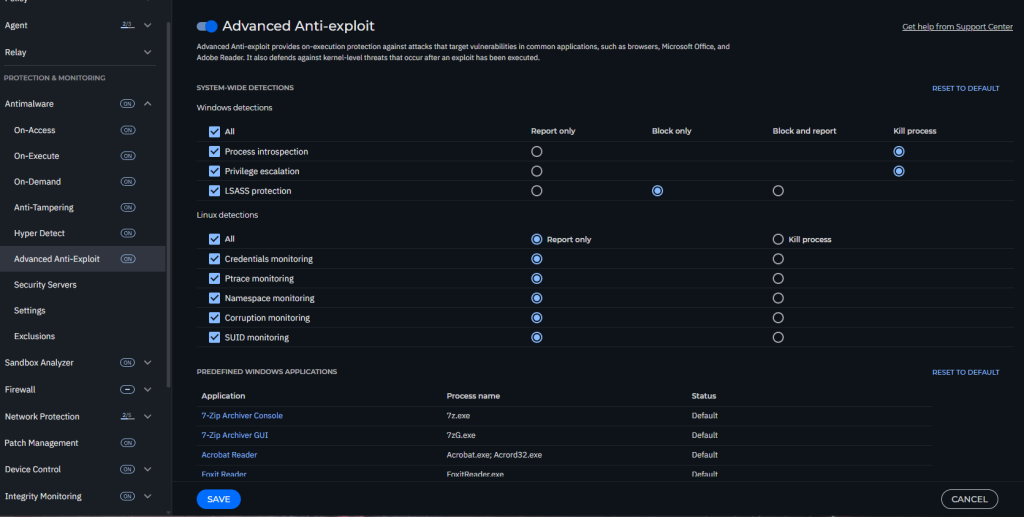
then Find
| Microsoft Office, Microsoft Excel | Excel.exe |

Add to report only for what it trigger in Incidents
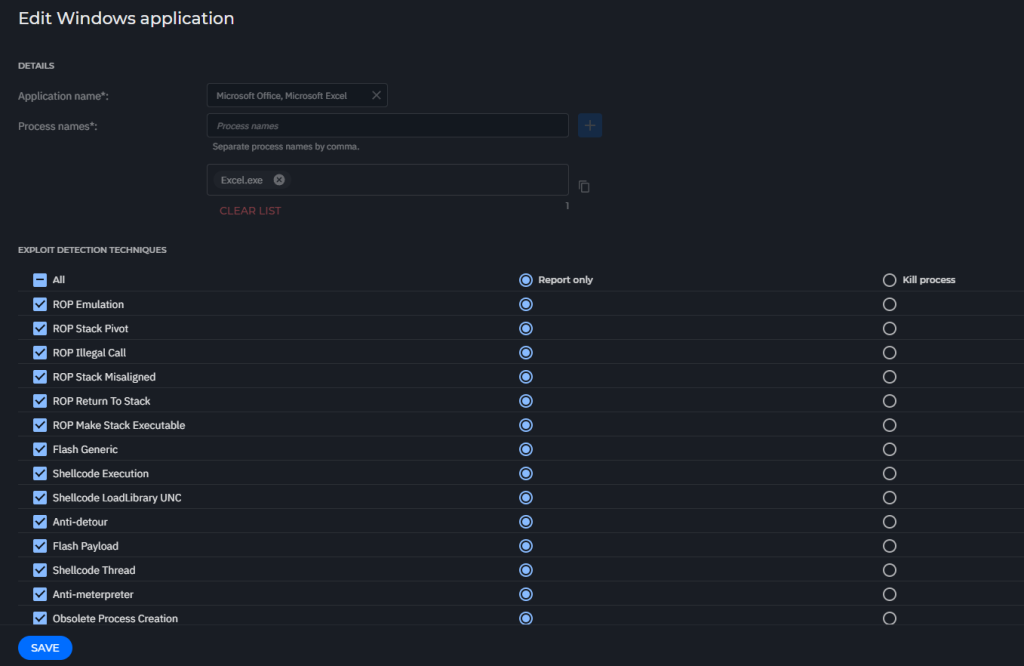
then save the policy